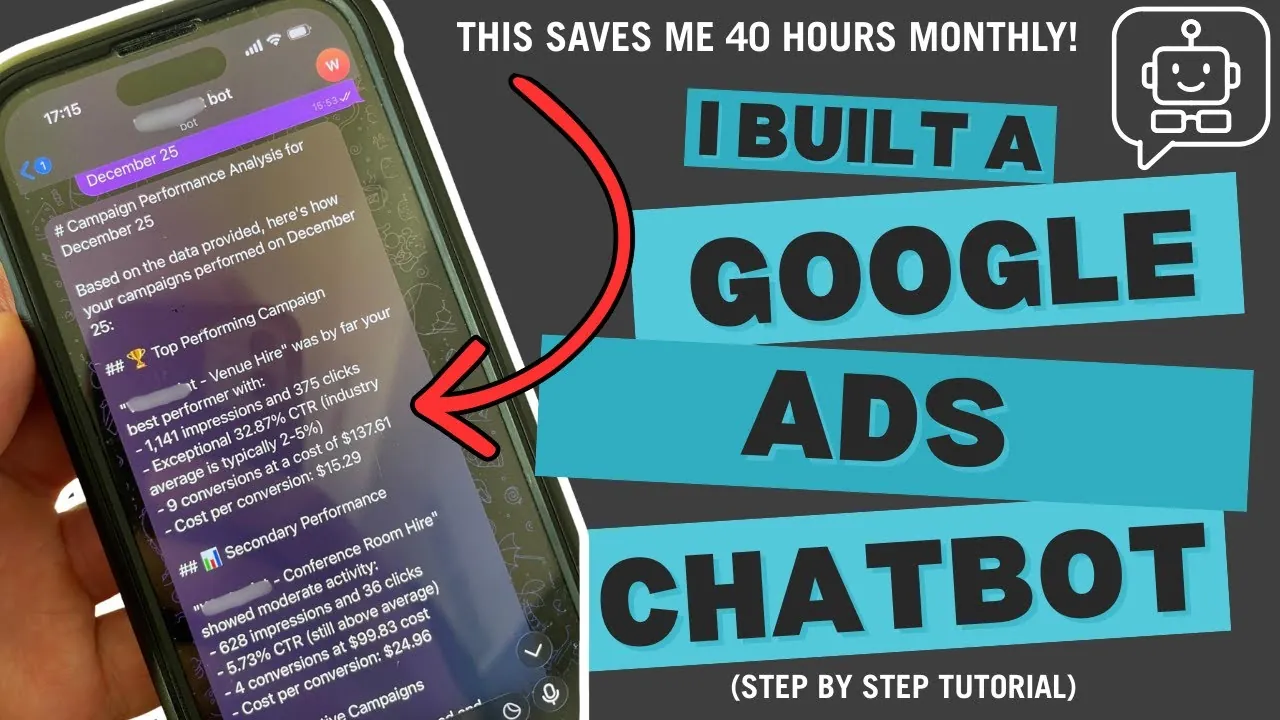
Watch the full walkthrough, or read the breakdown below.
Insights - Paid Advertising
A 9-node n8n workflow that turns plain-English questions into real-time Google Ads insights - delivered straight to Telegram in under 3 seconds.
Read Time
7 min read
Build Time
6 hours
Monthly Cost
£0
Time Saved
40+ hours / month

Watch the full walkthrough, or read the breakdown below.
What This Bot Does
"Show me yesterday's campaign performance"
"What are my top keywords?"
"Which campaigns are over budget?"
The bot fetches real-time data from the Google Ads API, analyses it with Claude AI, and sends a formatted response straight to Telegram - no dashboards, no exports, no waiting. The same approach works whether your account runs standard Search, Performance Max, or AI Search Max campaigns.
6 hours
Total build time
£0
Monthly cost
40+ hrs
Time saved per month
What You'll Need
An n8n account (cloud or self-hosted)
A Telegram bot token (get one from @BotFather)
Google Ads API credentials with OAuth tokens
A Claude AI API key
The Build
01
Listens for incoming messages from users. Set the trigger to "message (updates)" and connect your bot token. This creates a webhook that fires the workflow automatically.
02
Uses JavaScript to detect intent from the user's question - checking for keywords like "yesterday", "keywords", and "search terms" to determine what data to fetch.
const question = $input.item.json.message.text.toLowerCase();
let queryType = 'campaigns'; // default

if (question.includes('search term')) queryType = 'search_terms';
else if (question.includes('keyword')) queryType = 'keywords';
else if (question.includes('yesterday')) queryType = 'yesterday';
03
Exchanges your refresh token for a fresh access token. Google Ads API requires OAuth, and tokens expire every hour - this automates the refresh with a POST to oauth2.googleapis.com/token using your client credentials and refresh token.
04
Creates the right Google Ads Query Language (GAQL) statement based on the detected intent. Different query types return different data:
05
Calls the Google Ads API with your GAQL query. Requires three headers:
06
Converts messy nested JSON into clean, readable text - handling cost conversion (micros to pounds), CTR formatting, and structuring the data so Claude can actually analyse it.
function formatCost(micros) {
  return '$' + (micros / 1000000).toFixed(2);
}
07
Sends the formatted data to Claude Sonnet 4 along with the user's original question. Claude analyses the numbers, identifies trends, and generates insights in natural language - for around $0.003 per query.
08
Pulls the text answer out of Claude's JSON response structure - a simple extraction from content[0].text.
09
Delivers Claude's analysis back to the user on Telegram - the complete workflow, from question to answer, in under 3 seconds.
Real-World Impact
Before
Log in → navigate UI → filter data → export → analyse.
5–8 min / query
After
Text a question → get an answer.
3 seconds / query
Monthly savings: 40+ hours freed up for strategy instead of data pulls.
Why This Works
Traditional Approach Requires
Chatbot Approach Delivers
Next Steps
If you want AI handling more than just reporting - qualifying leads, answering customer queries, or automating follow-ups - see our AI agents service.
The code is the same. The data is more accurate - it's the primary source. The cost is near zero.
You just get your time back.

Written By
Founder, Sway Digital • MSc Digital Marketing Communications
Philip Beaumont is the founder of Sway Digital, a digital agency built to sway your audience - combining website design & development, SEO, paid advertising, and brand identity into strategies that move the numbers that matter. He holds an MSc in Digital Marketing Communications and works hands-on with every client, from strategy through to execution.
Connect on LinkedInWant This Built For You?
Book a free 30-minute strategy call. We'll talk through your goals and follow up with a clear plan.